
Apps
One account, every device
Native apps for iPhone, iPad, Android, Mac and Windows, plus the web app in any browser. Same account, same business number, everywhere.
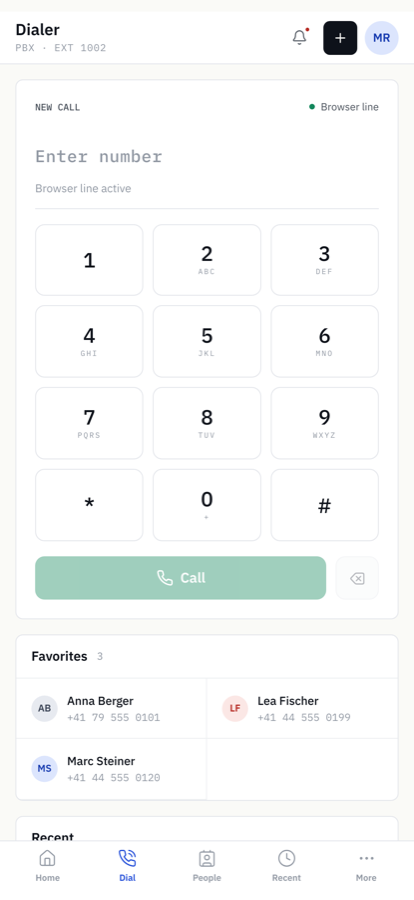
Dialer
Call with your business number from anywhere. Transfer, hold and conference with one tap.
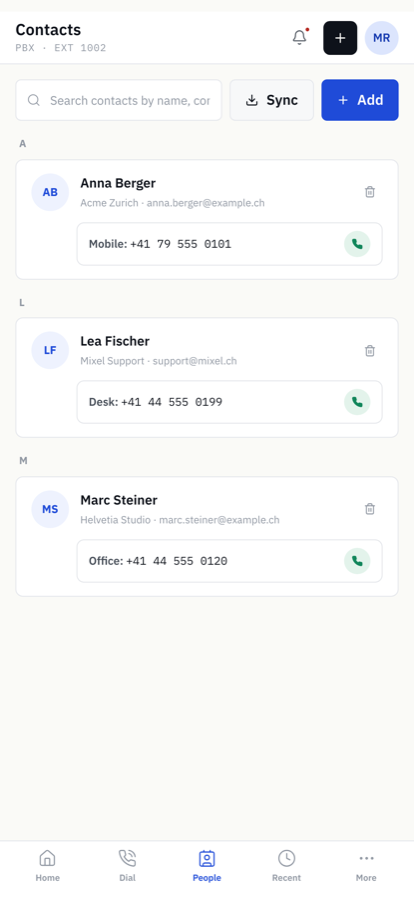
Contacts and presence
Company directory, favourites and who is available right now.
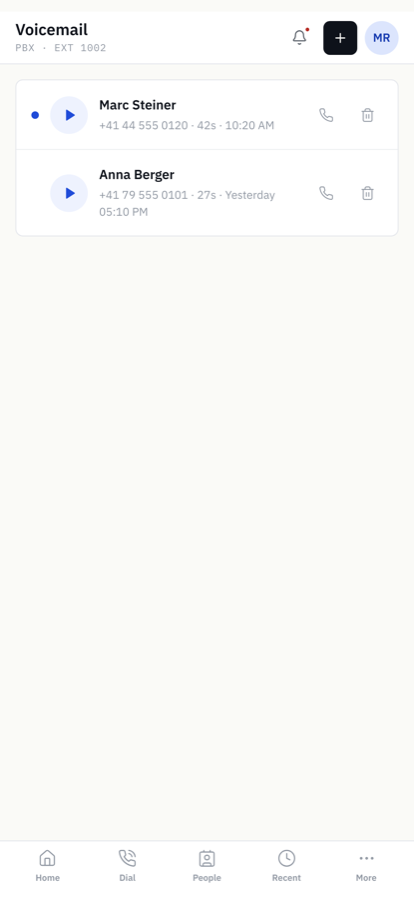
Voicemail
Listen, read the transcript and call back. Every message also arrives by e-mail.
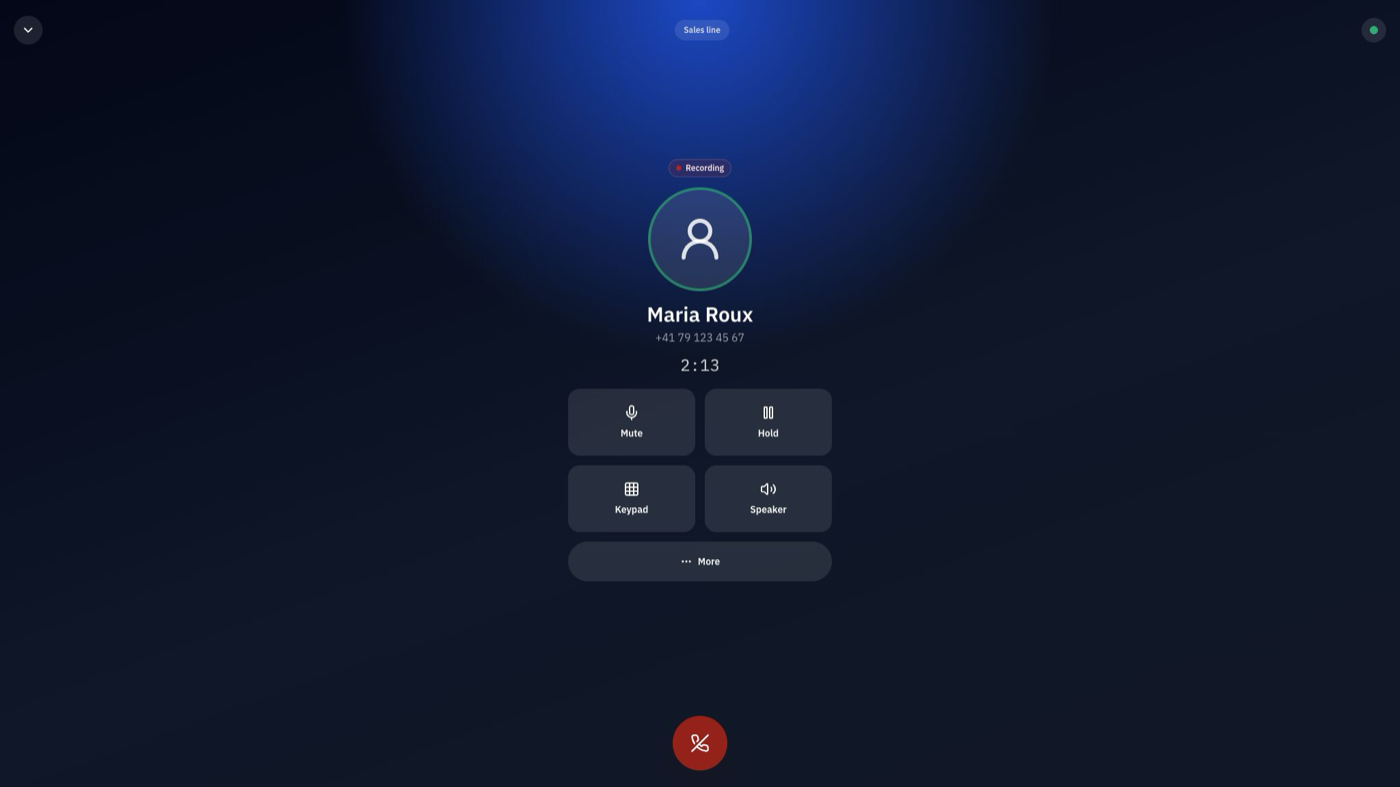
Desktop app for Mac and Windows: incoming calls ring on your computer, with headset support, transfer, hold and conference. The web app offers the same features without installing anything.
Store availability does not imply every calling mode is enabled for every tenant. Incoming-call push requires a tenant and device configured for native notifications; confirm push, audio routing and supported OS versions with your administrator before a managed rollout.
Lock-screen answering on iPhone
On iPhone, incoming calls arrive as native calls, so you answer from the lock screen like any other call. On Android the app rings while it is open.
Desk phones optional
Most teams run entirely on apps and headsets. Standard SIP desk phones can be connected for reception or the workshop — ask us during onboarding.